
 EN
5 Troubleshooting Tips for Eliminating Pinholes, Ghosting, and Halo Defects on a plastic bag printing machine
White specks in a solid, a faint duplicate of a graphic, or a dark edge around lettering can interrupt a production run. On a plastic bag printing machine, these marks may look related, but they may have different causes. Start with the visible pattern, preserve a sample, and change one setting at a time.
This guide focuses on flexographic printing on plastic film, rather than inkjet or screen printing. A plastic bag printing machine operator can use the five checks below to separate film wetting, ink delivery, and impression problems before calling for support. Follow the press manual and site safety procedures; stop and isolate the equipment before inspecting or cleaning moving parts.
1. Identify the defect and hold a useful sample
Before adjusting a plastic bag printing machine, note whether the marks appear in every color, one station, or only part of the web. Pinholes are small unprinted spots inside a printed area. Ghosting is an unwanted repeated or faded image, often linked to the image layout or ink delivery. A halo is a darker outline or dirty edge around the printed shape. The descriptions can overlap. Treat them as clues, not diagnoses.
Keep a sample from the plastic bag printing machine showing the defect and another from an acceptable run, if available. Mark the machine direction, color, station, film side, roll number, speed, ink condition, and time. Does the pattern repeat with the plate or another rotating component? Does it follow a particular artwork feature? Record the spacing rather than guessing which part caused it.
For plastic bag printing machine troubleshooting, isolate one variable per trial and compare samples under the same light. If the defect appears only after a job or roll change, compare those changes with the previous conditions. Avoid correcting several settings at once: the print might improve, but the team will not know why.
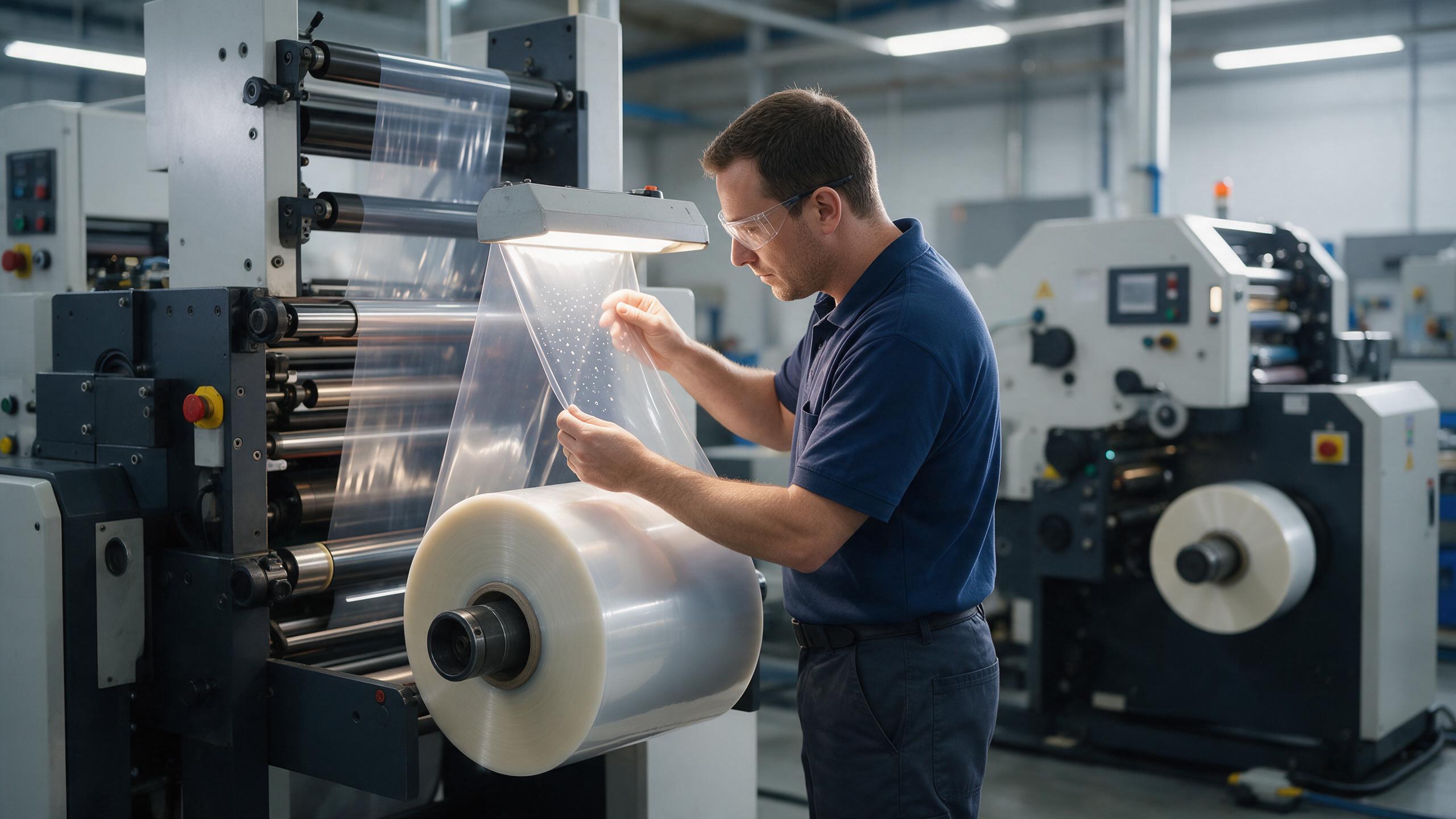
2. Check film treatment and ink wetting for pinholes
Film is not absorbent, so ink needs to spread across its surface. On a plastic bag printing machine, poor wetting can leave tiny gaps even when the plate carries ink. Untreated polyolefin films commonly have surface energy below 30 dynes/cm, according to a flexographic industry discussion; this is background, not a universal acceptance limit. Requirements depend on the film, ink system, treatment method, and application.
First confirm that the intended side of the film is facing the print station. Check the roll identification, handling history, and any visible dust, contamination, or uneven treatment. Measure surface condition using the film supplier's approved method and compare it with the ink and film suppliers' current specifications. Use a fresh, representative sample: treatment can vary across a roll or change during storage.
Next check ink preparation on the plastic bag printing machine. Verify the correct formulation, mix, temperature, and viscosity against the ink supplier's instructions. Do not add a wetting agent or thinner by guesswork; an incompatible adjustment may affect drying, adhesion, or downstream conversion. If the marks persist, inspect plate and anilox cleanliness as well. Poor transfer and poor wetting can coexist.
3. Trace ghosting through ink delivery and the image
Ghosting on a plastic bag printing machine may appear as a faint echo of a preceding image or as uneven density after a large solid. Its location and direction are useful evidence. If it follows the artwork rather than a fixed web position, investigate whether the inking system has time to replenish the area used by the preceding image.
With the plastic bag printing machine safely stopped, inspect the anilox for plugged cells, dried ink, and damage. Check the ink supply, circulation, filtration, and chamber or doctor-blade condition according to the equipment manual. A visually clean roll can still have restricted cell volume, so use the approved inspection and cleaning method. Do not scrape or use an unapproved cleaner that may damage the surface.
Compare the ghost at a controlled alternate speed if the press and job permit it. A changed pattern may point toward ink replenishment or drying, but it does not prove either cause. Check viscosity and drying conditions against supplier guidance, then consult the plate or anilox supplier about cell volume, screen, and artwork layout if the symptom remains. A plastic bag printing machine may need a coordinated plate-and-inking review rather than an isolated speed change.
4. Reduce excess impression and inspect the plate for halos
A halo around type or a solid edge can indicate too much contact pressure. On a plastic bag printing machine, excessive plate-to-film impression can squeeze ink outward; excessive anilox-to-plate contact can also contribute to dirty printing. These are separate settings. Record the starting positions and follow the machine maker's setup sequence.
Set the plastic bag printing machine to the lightest impression that produces consistent coverage across the usable web, using the press procedure and a controlled test. Adjust each contact independently and in small increments. Inspect the printed edge after each change. If coverage disappears before the halo improves, look for uneven mounting, plate wear, dirty surfaces, cylinder runout, or a mismatch in plate and mounting materials rather than increasing pressure again.
Clean the plate only with a material approved for that plate and ink. Swelling or damage can change print behavior, so inspect it while the equipment is safely isolated. If one color station on the plastic bag printing machine shows the issue while the others remain stable, compare the station's mounting and settings without assuming the readings are interchangeable between machines.
5. Confirm the fix under production conditions
A short clean sample is a starting point, not proof that a plastic bag printing machine will hold the result throughout a roll. Return gradually to the planned operating conditions within the press and material limits. Examine the first acceptable sample and later samples at agreed intervals, including across the web and after speed or roll changes.
For each trial, record the original symptom, one adjustment, the result, and any remaining marks. Keep the ink batch, film roll, plate identification, treatment reading, viscosity method, and press settings with the samples. A plastic bag printing machine log makes it easier to distinguish a recurring film issue from a station-specific fault on the next job.
Use the customer's approved inspection and adhesion procedures before releasing the run. A useful target for a defect-free printing plastic film flexo press is a stable, agreed print standard—not a promise that every film and design will behave identically. If pinholes, ghosting, or halos remain, stop repeated adjustments and share the labeled samples and settings with the film, ink, plate, and equipment suppliers.
A practical handoff to technical support
When asking for help with a plastic bag printing machine, send a close-up and a wider sample showing the repeat, together with the substrate type, printed side, ink system, affected colors, and checks already made. Describe whether the fault began at startup, after a roll change, or during the run. Keep uncertain causes labeled as observations.
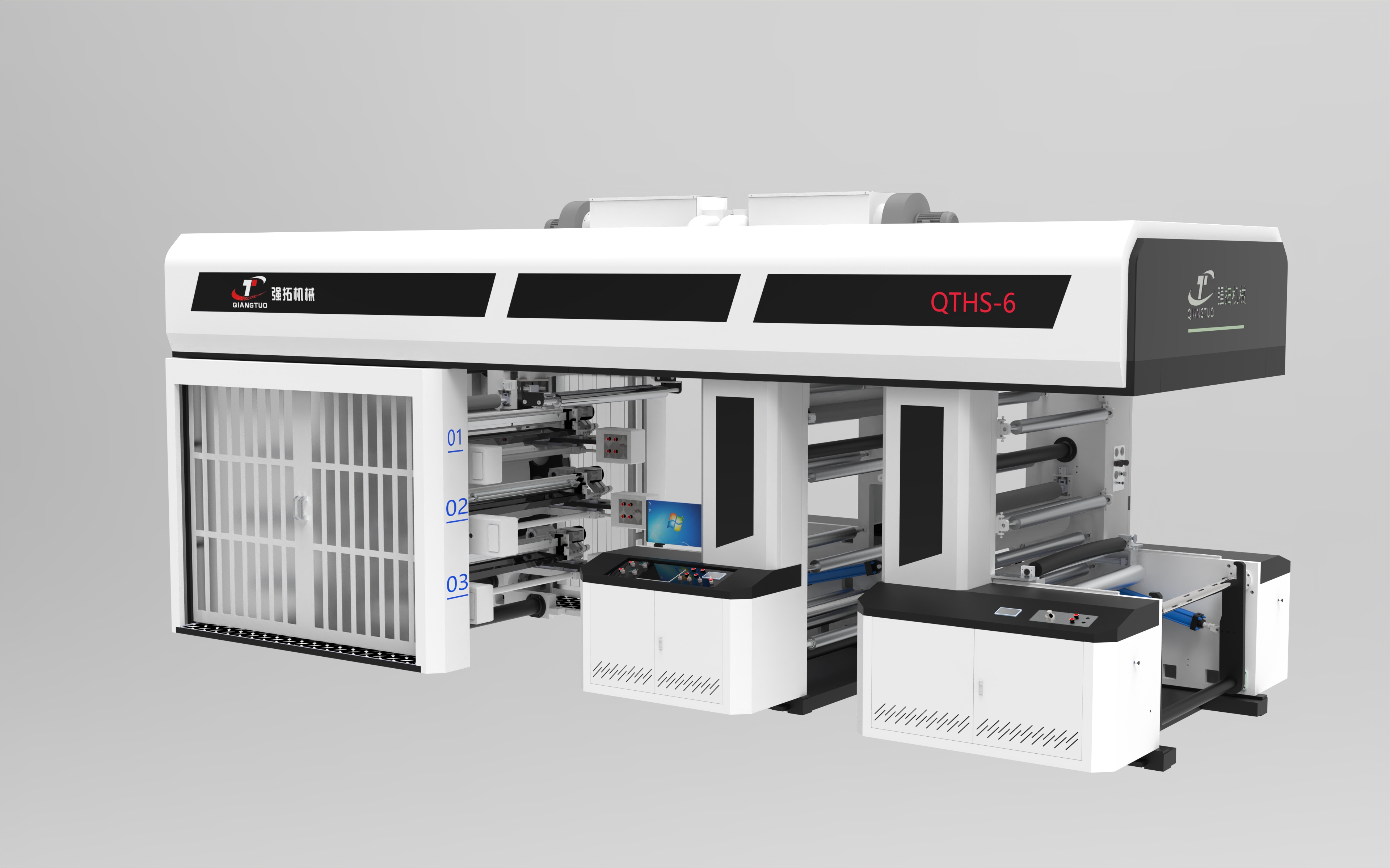
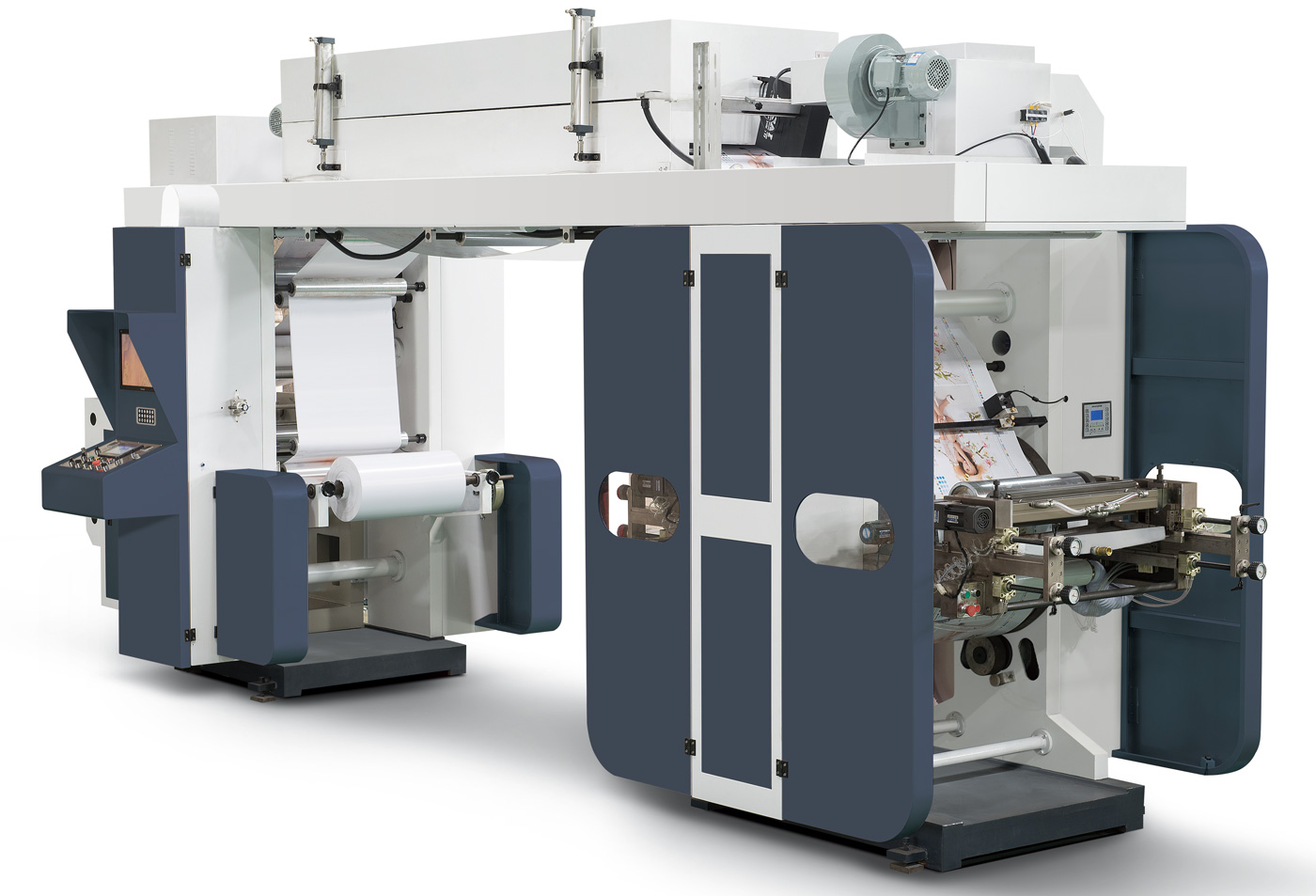
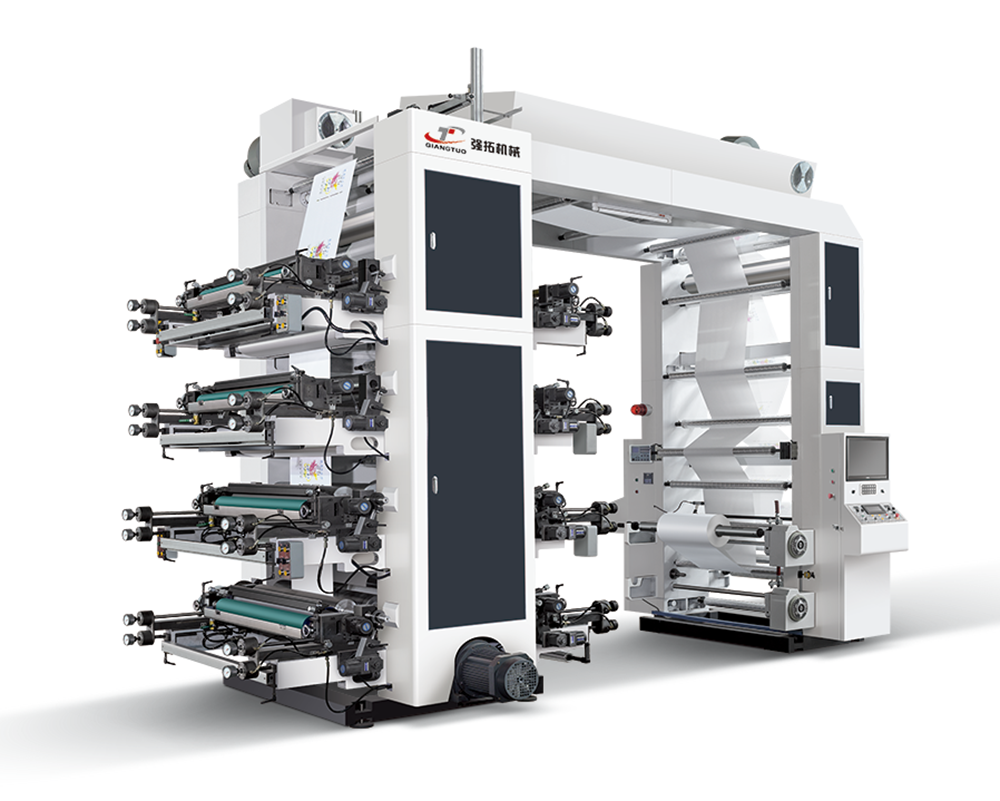
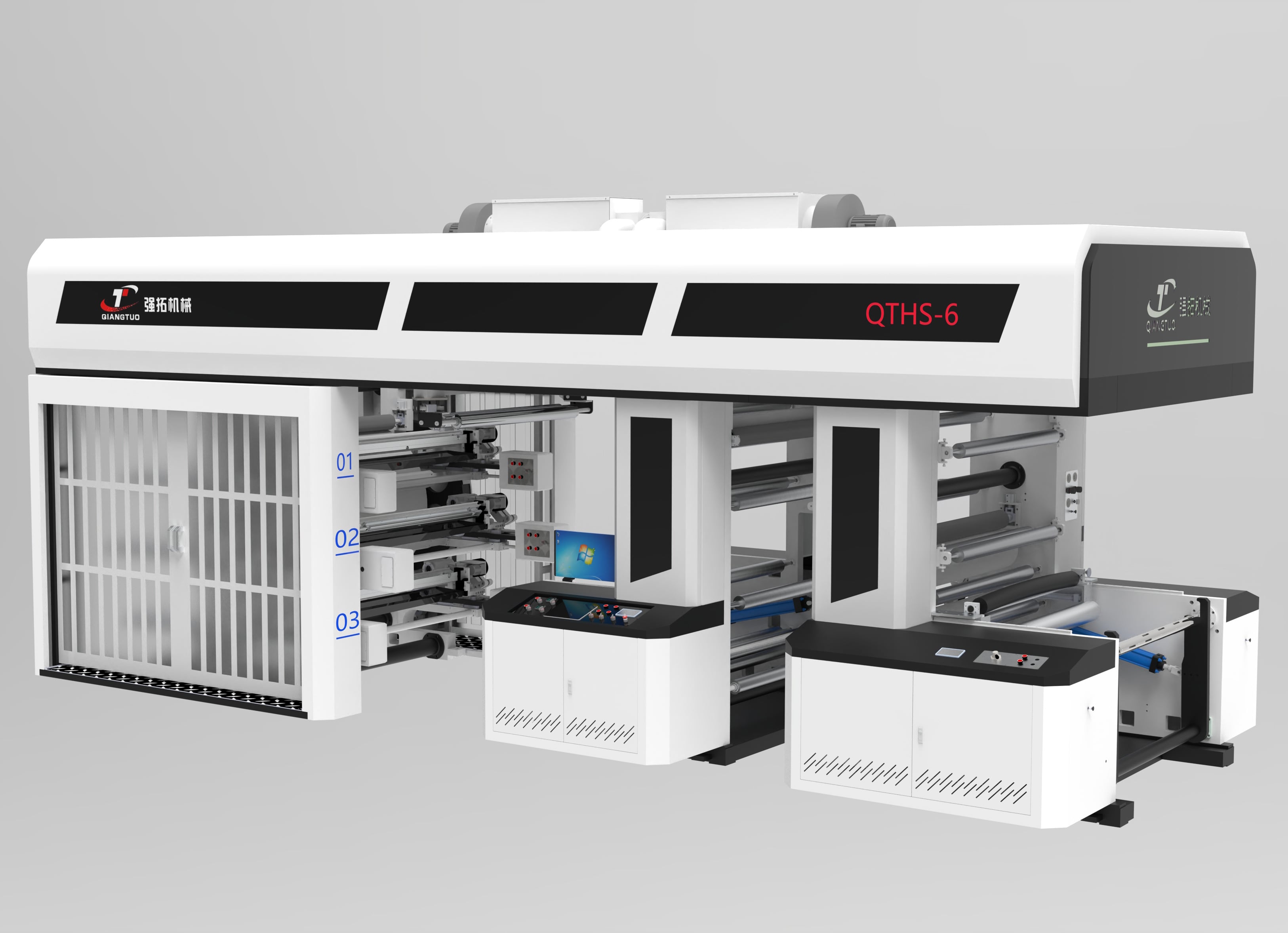
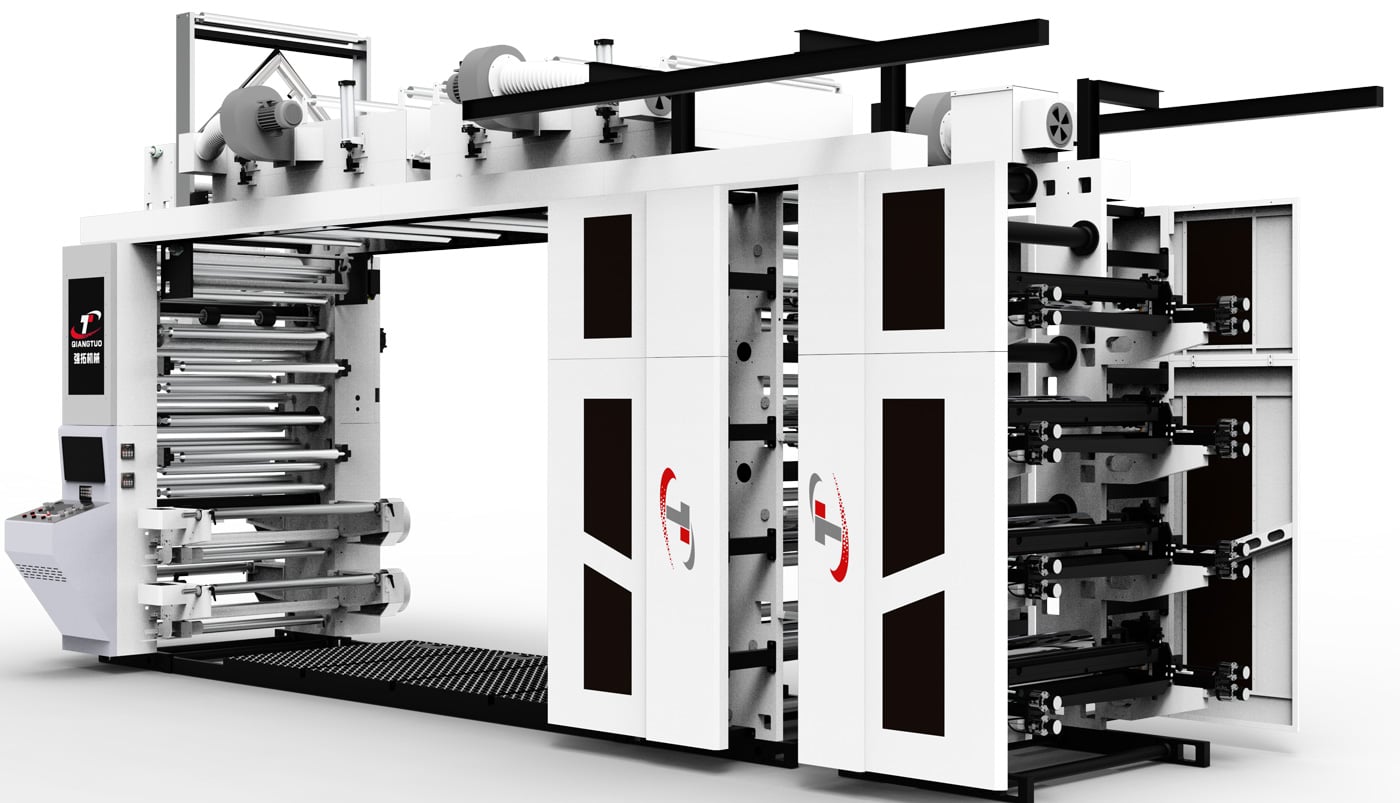
Wenzhou Qiangtuo Machinery supplies flexographic printing equipment for packaging applications. For a machine-specific review, discuss the film, artwork, operating conditions, and sample with the equipment team. The conversation is more useful when the plastic bag printing machine settings and each test result are already documented.
 Hot News